
Surface USB4-Dock - Docking Station
B2B prices require verification
This is our wholesale store. Log in and verify your business account to see B2B prices, or go to the retail store to view consumer prices.
Compact Surface USB4 Dock with HDMI output and USB4 Gen 3×2 ports, includes USB-A 3.2 Gen 2, 65W Power Delivery and Kensington Lock.
For any questions about this item, availability, or delivery times, please contact us at 22 270068
Microsoft’s Surface USB4 Dock is a complete stationary docking solution with a compact, slim design. The Surface USB4 Dock offers ultra-fast data transfer, expanded connectivity options for essential accessories, up to 65W of pass-through power for device charging, and support for dual 4K monitors.
| Typ | Docking station |
| EAN | 0196388443949 |
| Manufacturer no. | EP2-19987 |
| Compatible with | Surface Pro for Business, Copilot+ PC | Intel, Surface Laptop for Business, Copilot+ PC | Intel, Surface Pro for Business, Copilot+ PC | Snapdragon, Surface Laptop for Business, Copilot+ PC | Snapdragon, Surface Pro 10 for Business, Surface Laptop 6 for Business, Surface Laptop 5 for Business, Surface Pro 8 for Business, Surface Pro 9 for Business (Intel/WLAN) |
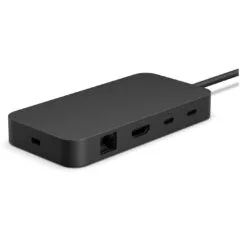
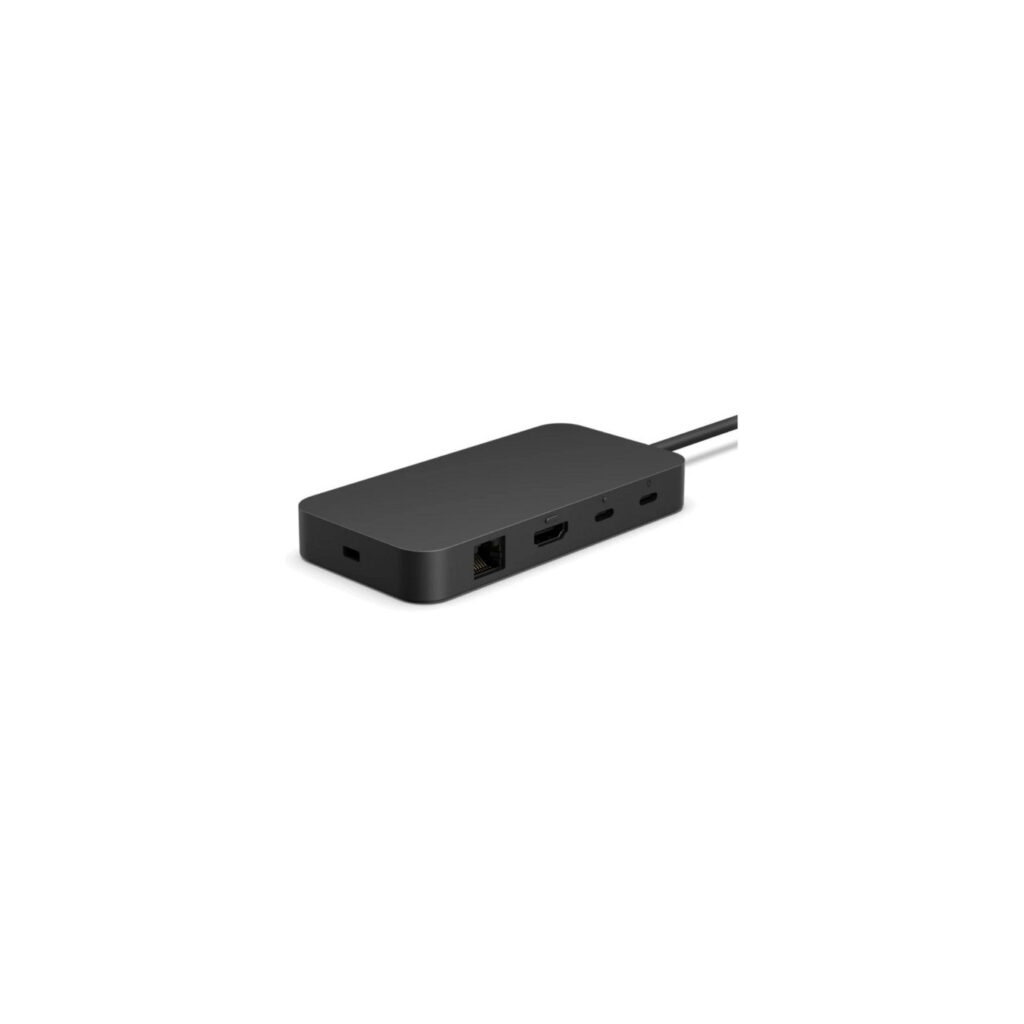
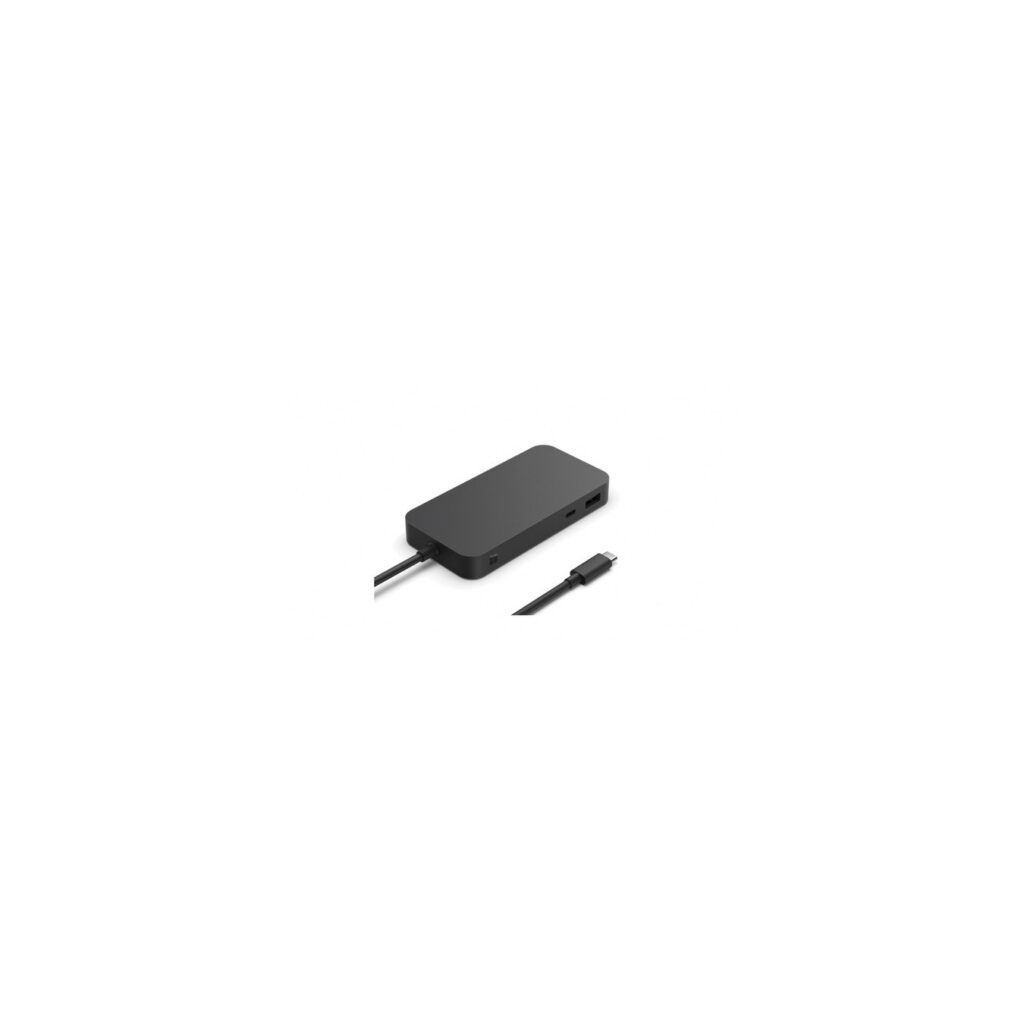
| Connections | 1x HDMI-Ausgang, 1x RJ-45, 1x USB-A 3.2 Gen 2 (10 Gbit/s), 2x USB4 Gen 3x2 (40 Gbit/s) |
| Features | Kensington Lock |
| Power supply | USB operation |
| Feature | Power Delivery bis 65W |
| More information | USB4 supports two external 4k displays at up to 60Hz |
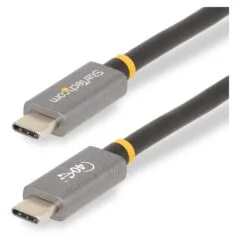
| Accessories - Present | USB-C power supply (100W), USB-C /USB4 cable (80cm) with two LED indicator lights |
| Dimensions | Width: 120mm x Height: 15mm x Depth/Length: 60mm |
| Weight | 206 Gramm |
| Warnings and safety information | Warnings:Caution: Choking hazard due to small parts that can be swallowed!Safety instructions:WARNING: Read the safety and health information When developing Microsoft products, special attention is paid to security and effectiveness. In this guide, read the key safety and health information for your device as well as the warranty conditions that apply to your device. This guide is intended to help you use the device in a more convenient and productive way. Failure to follow the safety instructions and improper setup, use and handling of this device can result in serious injury, including death, and property damage. You can find additional support at support.microsoft.com or in the Surface app for Surface devices. WARNING: Keep out of the reach of small children The device and its accessories are not toys. Do not allow small children to play with the device as children could injure themselves or others or damage the device. Keep the device and all related components and accessories out of the reach of small children. WARNING: High risk use The device is not designed or intended for use in any application or situation in which failure of any kind could result in death, serious injury or serious environmental damage (“High Risk Use”). If you use your device in situations involving increased risk, you do so at your own risk. WARNING: Parts of the device are magnetic Parts of the device are magnetic and can attract metal objects. To reduce the risk of sparking and resulting damage to the device, other property and/or possible personal injury, check that the areas around electrical connections are clear of metallic objects before connecting devices or charging cables. To reduce the risk of magnetic interference between your device and other devices, possible interference with the operation of medical devices, or corruption of magnetically stored data, do not place magnetism-sensitive devices, credit cards, or other magnetic storage media near the device. Do not store or carry flammable liquids, gases or explosives in the same room as the device, its parts or accessories. In hazardous areas, turn off the device and avoid connecting and disconnecting battery chargers, power adapters, and other accessories. Hazardous areas are often, but not always, marked accordingly. These may include fueling areas, lower decks on ships or other vessels, piping areas or storage areas for fuel or chemical transportation, or areas where the air contains flammable chemicals or particles, such as grain or metal dust. Sparks can cause an explosion or fire in the areas described. WARNING: Power supply safety Only use a suitable power supply for your device. Failure to follow the following precautions could result in serious injury or death from electric shock or fire, or damage to the device. How to choose the right power supply for the device: We recommend using power supplies (PSUs) and cables that are original to Microsoft. An original Microsoft power supply unit (PSU) was included with your device. Genuine Microsoft PSUs can also be purchased from a Microsoft authorized reseller and at https://store.microsoft.com/devices. Only use AC power from a regular wall outlet. Do not use non-standard power supplies such as generators or inverters, even if the voltage and frequency seem appropriate. Make sure your outlet supplies the type of current specified on the PSU (i.e. voltage [V] and frequency [Hz]). If you are unsure about the type of power supply in your home, contact a qualified electrician. Make sure that you unplug the wall socket, extension cord, multiple sockets or other electrical outletsDo not overload the electrical connections. Make sure they are rated for the total current draw of the device (specified in amps [A] on the PSU) as well as other devices on the same circuit. For devices where the contact pins of the power plug can be folded in, make sure that the contact pins are completely folded out before inserting the power plug into the socket. For devices that have removable power plug pins and use a universal adapter for the power supply, before connecting the power plug to an electrical outlet, ensure that the plug has the correct pin configuration for the electrical outlet and is seated securely in the adapter. WARNING: Risks during repair Opening and/or repairing the device may result in electric shock, device damage, fire, injury, and other hazards. Microsoft recommends seeking expert assistance when repairing your device. Use caution when carrying out repairs yourself. WARNING: Clean The risk of fire, electric shock, or damage to your Microsoft device can be reduced by taking the following precautions: Disconnect all cables and turn off the device before cleaning it. Only clean the outside of the device. Clean the device with a dry cloth. For devices with fans, slots, ports or similar openings: Gently clean the outside surface of any fans, vents, or other openings to avoid any dust buildup to remove. Do not insert foreign objects into fans, slots, ports, or other openings. Do not clean the connectors by immersing them in liquids. Just be careful with a clean cloth wipe and dry. WARNING: Usage To reduce the risk of fire, electric shock, or damage to your device, do not expose it to rain, snow, or other types of moisture. Do not use your device near water or in a damp location (e.g. near a shower, bathtub, sink or swimming pool, or in a damp basement). To ensure that your device remains in perfect working condition: Do not use the device near heat sources, food, excessive dirt, dust, oil and chemical residues or in direct sunlight. Do not place any objects on the device. Use only devices/accessories recommended by Microsoft. For devices with fans, slots, ports or similar openings: Do not insert objects into the fan, ventilation ducts, slots or hinges of fold-out stands, openings around keys, or any other openings. Avoid allowing dust to settle on the fan, slots, or other openings. Do not place the device in a narrow, confined space. Do not dry your device with a hair dryer, tumble dryer, stove, toaster or microwave oven. If your device gets wet, gently wipe the case with a clean, dry cloth. WARNING: Ports and openings To reduce the risk of fire, electric shock, or damage to your Microsoft device Do not insert objects into the fan, ventilation ducts, ports, slots or hinges of the fold-out stands, or into openings around keys or any other openings. Do not attempt to clean ports, the slots or hinges of the fold-out stands, the openings around keys, or any other openings with sharp objects (i.e. paper clips, screwdrivers, knives, etc.). WARNING: Choking hazard Keep plastic wraps away from babies and children to avoid the risk of suffocation. ATTENTION: Device stability Never place your device on uneven or unstable surfaces. Hold it tightly while wearing it. Do not carry it by the accessories, cable or power cord. If you do not hold the device firmly, it could fall or hit a person or object. This could damage the device or cause other property damage or personal injury. NOTE: Heat generation issues The device may become very hot during normal use. The device compliest the requirements of the International Standards for Safety (IEC 60950-1 and IEC 62368) for temperature limits on user-accessible surfaces. Prolonged contact with warm surfaces over a long period of time can cause discomfort or injury. Follow the following guidelines to reduce potential heat issues: Ensure good ventilation when using the device and the power supply. Ensure there is sufficient air circulation, including under the device. Use common sense to avoid dangerous situations in which your skin comes into contact with your device or its power adapter when it is operating or connected to a power source. For example, do not sleep with your device or its power adapter or place it under a blanket or pillow. Avoid contact between your body and your device when the power adapter is connected to a power source. Be especially careful if you have any physical discomfort that affects your ability to feel heat. If your device is used for long periods of time, the surface may become very hot. The temperature may not feel hot to the touch, but prolonged physical contact with the device, for example using the device on your lap, may cause skin burns. If the device becomes uncomfortably warm when used on your lap, you should place it on a stable work surface instead. Never place the device or power adapter on furniture or other surfaces that could be damaged by heat, as the housing of the device and the surface of the power adapter may become warmer during normal use. NOTE: Third party compatibility Some third-party accessories may be incompatible with your device or may even be counterfeit. Therefore, it is strongly recommended that you purchase and use only genuine Microsoft or Microsoft-licensed devices or accessories. Using incompatible or counterfeit accessories, batteries and chargers may cause damage to your device and pose a potential risk of fire, explosion or battery failure, which could result in serious injury or other serious health hazards or damage to your device. |