


Armenius on your home screen
Install our store as an app. It opens full screen, loads faster on repeat visits, and keeps your orders one tap away. No app store, no download.
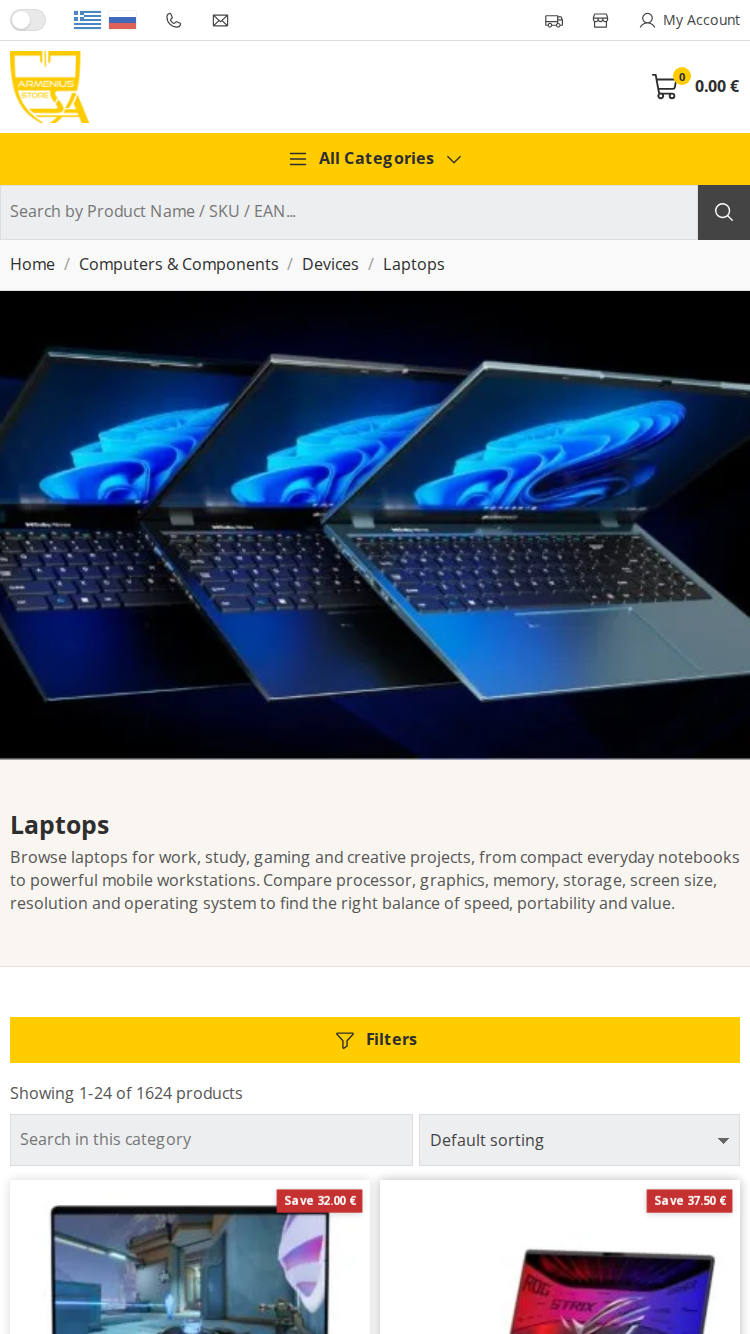
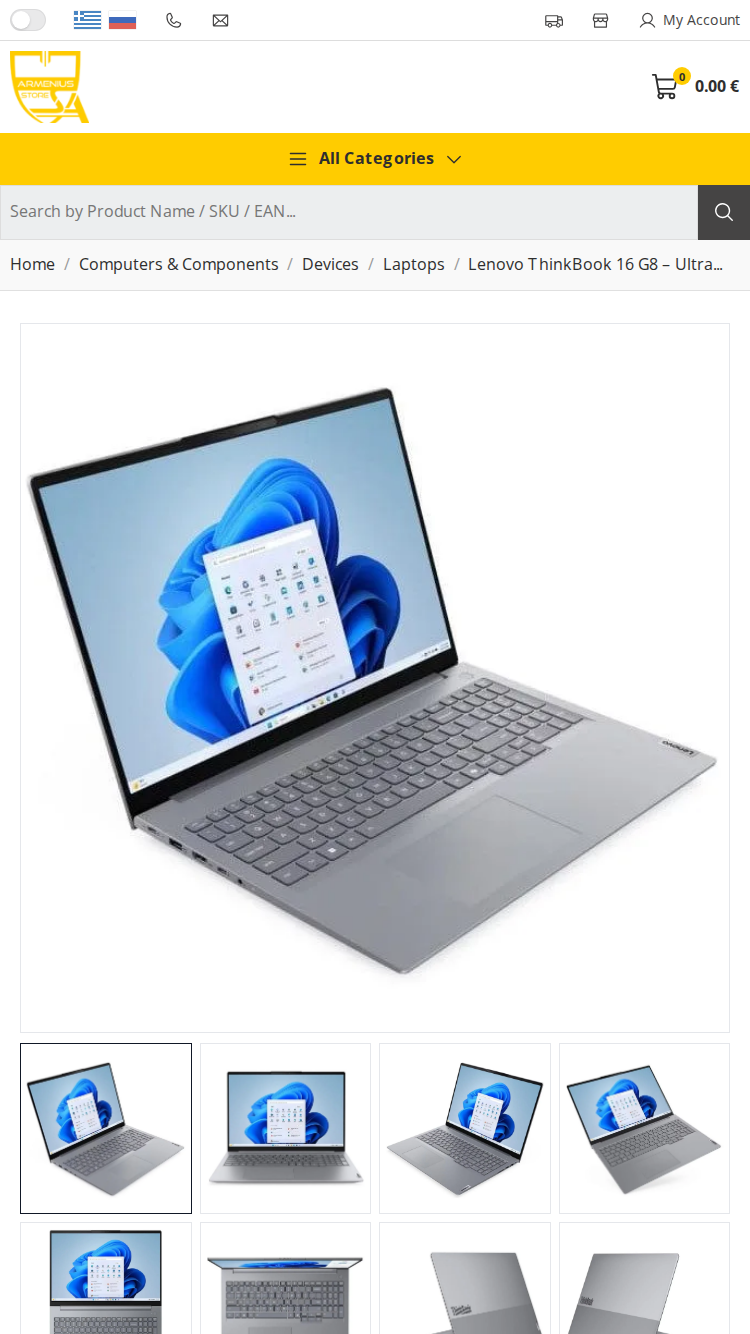
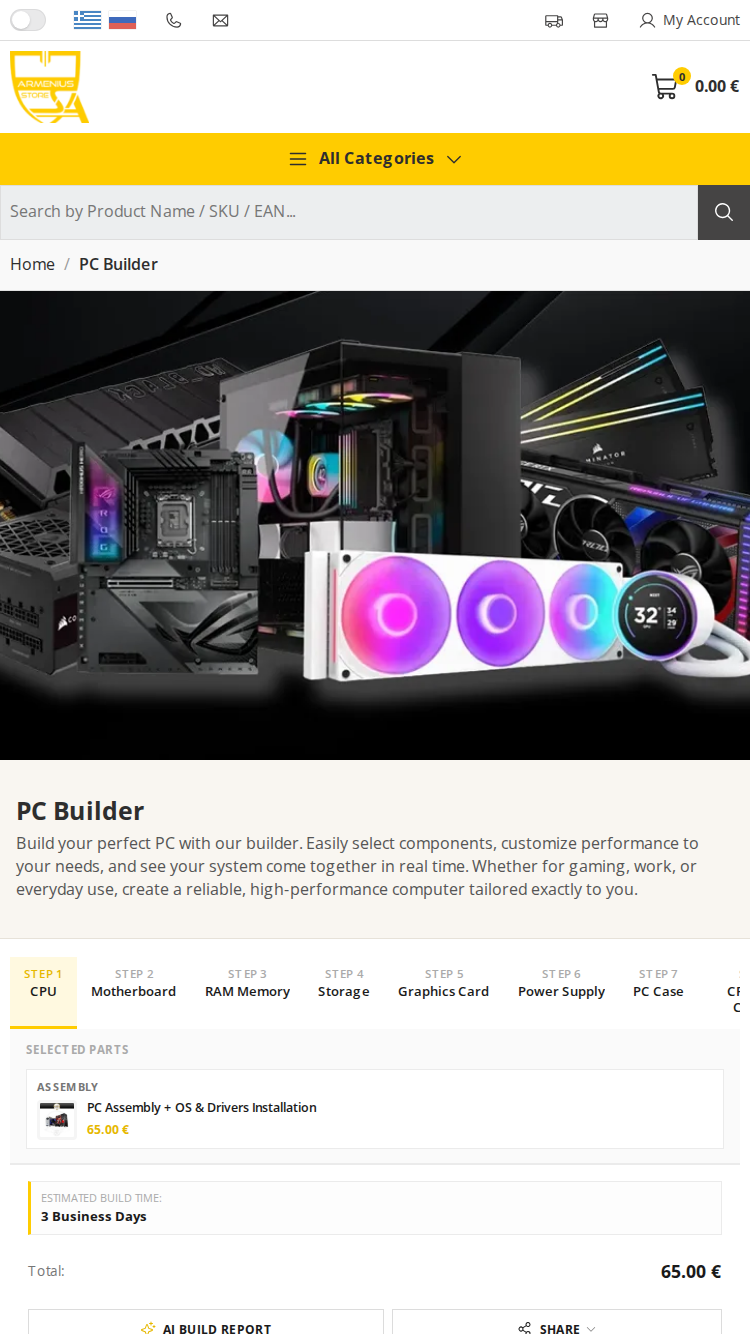
Full screen, its own icon, no browser bars in the way.
Design and images are stored on your device, so pages appear sooner.
Jump straight to order tracking, your cart, or the PC Builder.
If you lose signal you get a proper page instead of a browser error.
How to install
- Tap the Share button in the Safari toolbar.
- Scroll down and choose "Add to Home Screen".
- Tap "Add". The Armenius icon appears on your home screen.
On iPhone this must be done in Safari — other browsers do not offer it.
- Tap Install above, or open the browser menu.
- Choose "Install app" or "Add to Home screen".
- Confirm. The app is added to your launcher.
- Scan the QR code above with your phone, then tap Install on that page.
- On this computer, use the install icon in the address bar (Chrome or Edge).
Questions
Does it use storage on my phone?
Very little. There is no download — the app is the website, so it only keeps a small amount of design and image data on your device.
Is it in the App Store or Google Play?
No, and it does not need to be. You install it straight from this page in your browser.
How do I remove it?
Press and hold the icon on your home screen and choose Remove or Uninstall, exactly like any other app.
Will my cart and account still work?
Yes. It is the same store and the same account — prices, stock and your cart are always live.